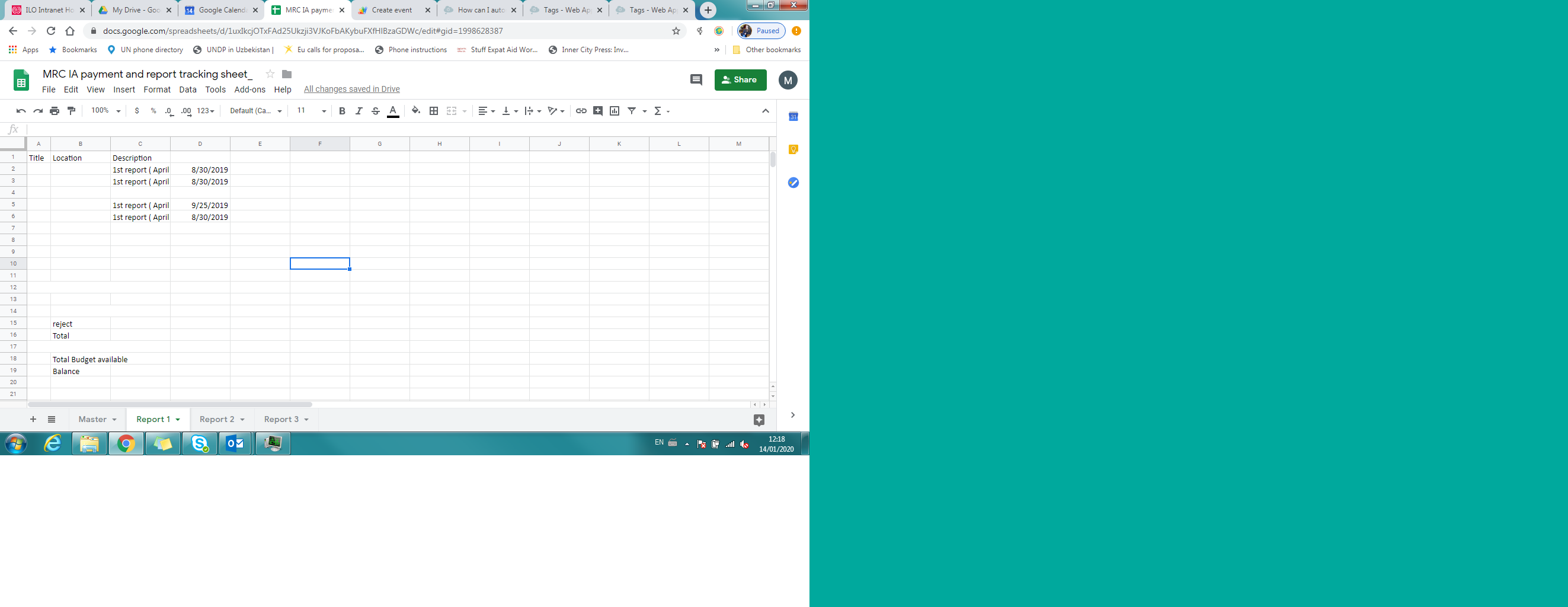
I read that it is possible to link a google sheet to google calendar, so dates can be used to create events in the calendar. I used script I found around about, but absolutely nothing happens. Can anybody see where I have gone wrong? (Note - I have hidden contents of columns A and B, but title of column D refuses to be imported)
//function to retrieve data from Sheet and add first reports to Calendar
function simpleSheetsToCalendar() {

  //get spreadsheet
  var ss=SpreadsheetApp.getActiveSpreadsheet();
  var sheet = ss.getSheetByName('Report1');

  //get the data from Google Sheet
  var data = sheet.getRange(sheet.getLastRow(),2,2,12).getValues();

  //create variables
  var title = data[0][0];
  var eventLoca=data[0][1];
  var eventDesc = data[0][2];
  var eventDate =[0][3];

  //get calendar
  var masterCal = CalendarApp.getCalendarById('diilmyangon@gmail.com');

  //add to calendar
  masterCal.createAllDayEvent(title, location, description,date)

}
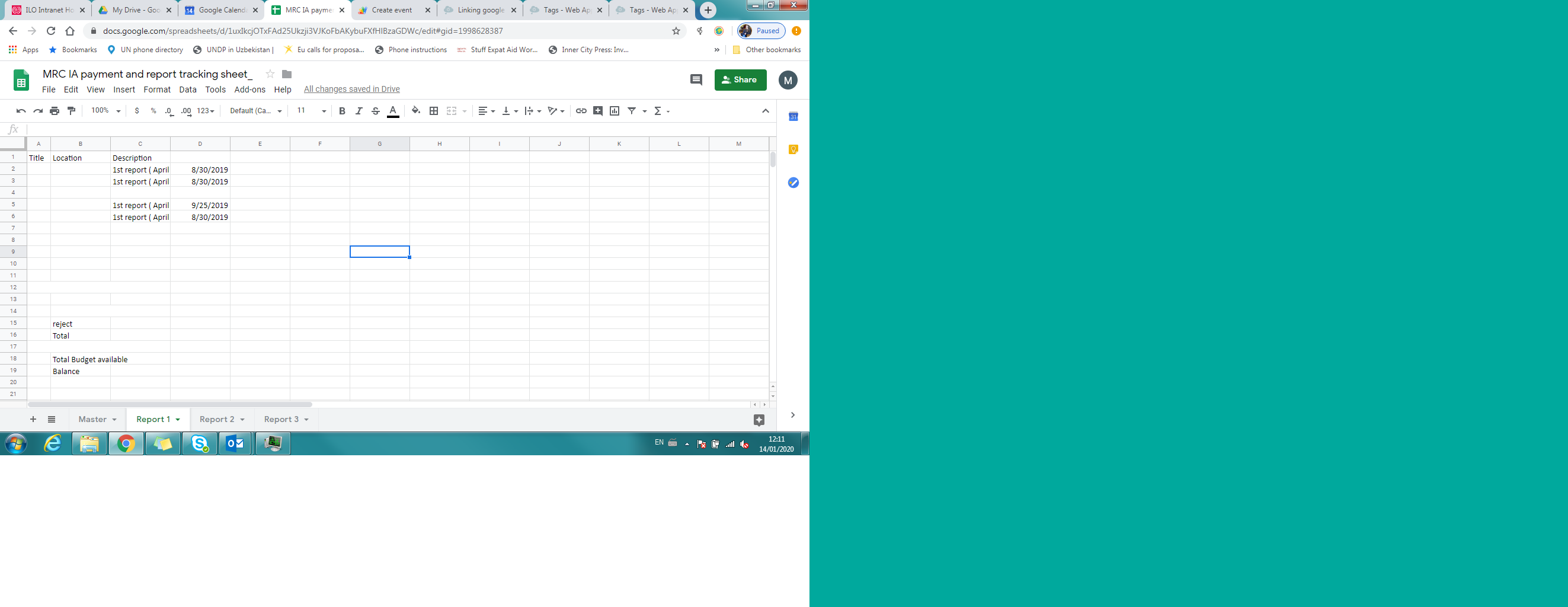
Not sure if this is part of the problem, but I imported a range from the first sheet in my doc, using this formula =query(IMPORTRANGE("<https://docs.google.com/spreadsheets/d/1uxIkcjOTxFAd25Ukzji3VJKoFbAKybuFXfHlBzaGDWc/edit#gid=1385200762>","Master!A3:y"),"select Col2, Col3, Col12, Col13",0)
But for some reason the title cell of column 13 does not import. I have another post on that.