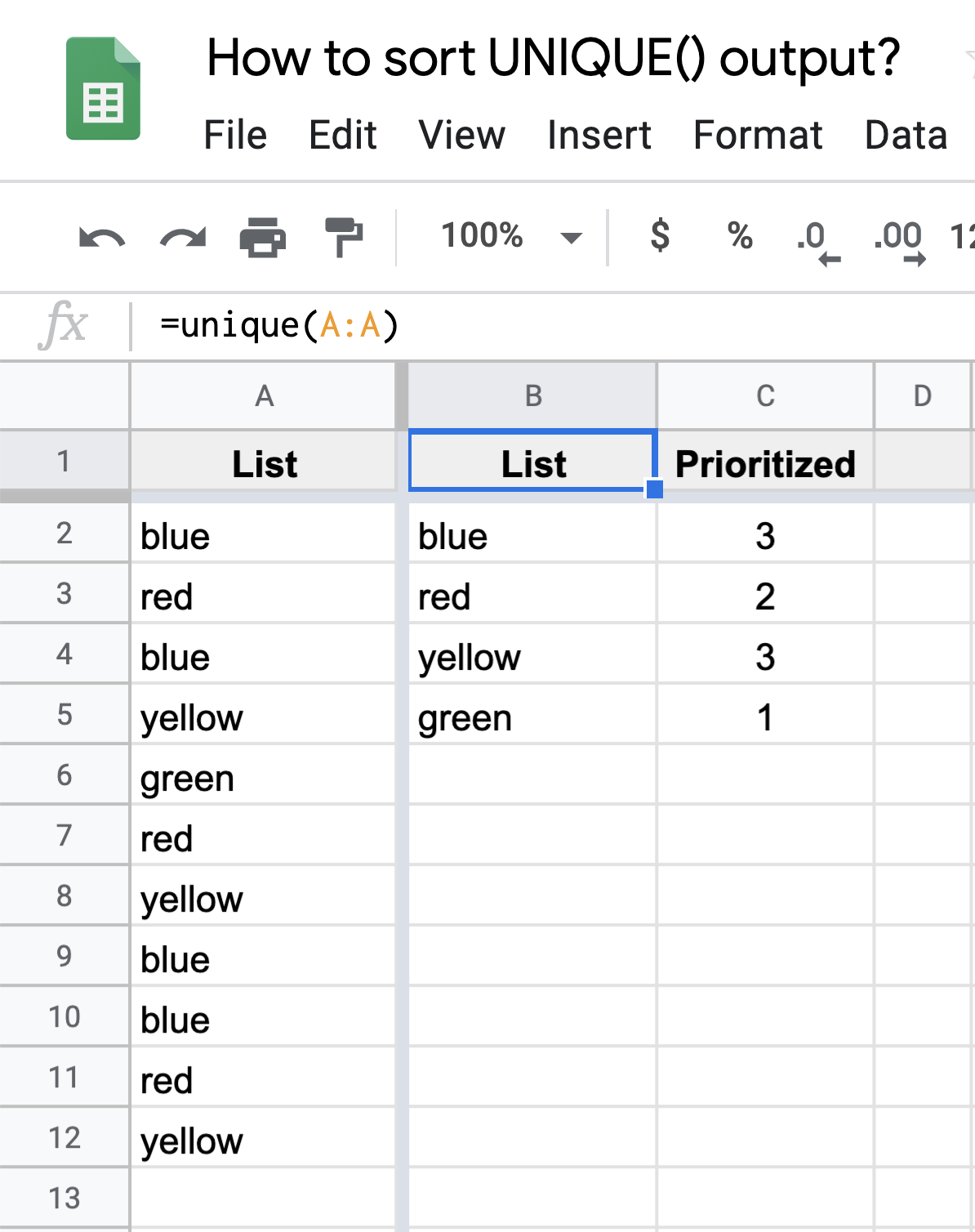
Can and how do I get the UNIQUE()-generated list in column B to automatically sort (in A->Z order) based upon the numbers in column C, as shown in the image below?
- I want this "unique sort" to update dynamically upon any changes to column A entries.
- The sheet example shown in the image below contains no additional cell formulas other than the
B1formula that's already shown. - I would like to keep the header row text as shown, or similar, even if it means moving the location of any formula/function (say to row
2). - All of the
=SORT(UNIQUE())answers I see thus far on https://webapps.stackexchange.com address less-complex scenarios.