I'm going to be honest; my biggest issue is describing what I wish to accomplish. I can't find the right word for it, so the title might not make a lot of sense. But the pictures should be clear,
I want to take this sheet:

Perform some operation, and end up with this:
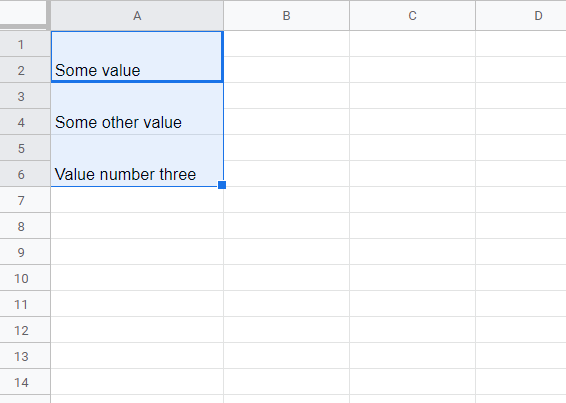
Currently this takes a lot of effort, particularly for large amounts of values. I first have to move each row down to get white rows between each row with values, and then merge them individually. Takes a lot of clicks, and I do this semi-regularly. If there is an extension that does this, or a way to do this less laboriously, I would be very happy.